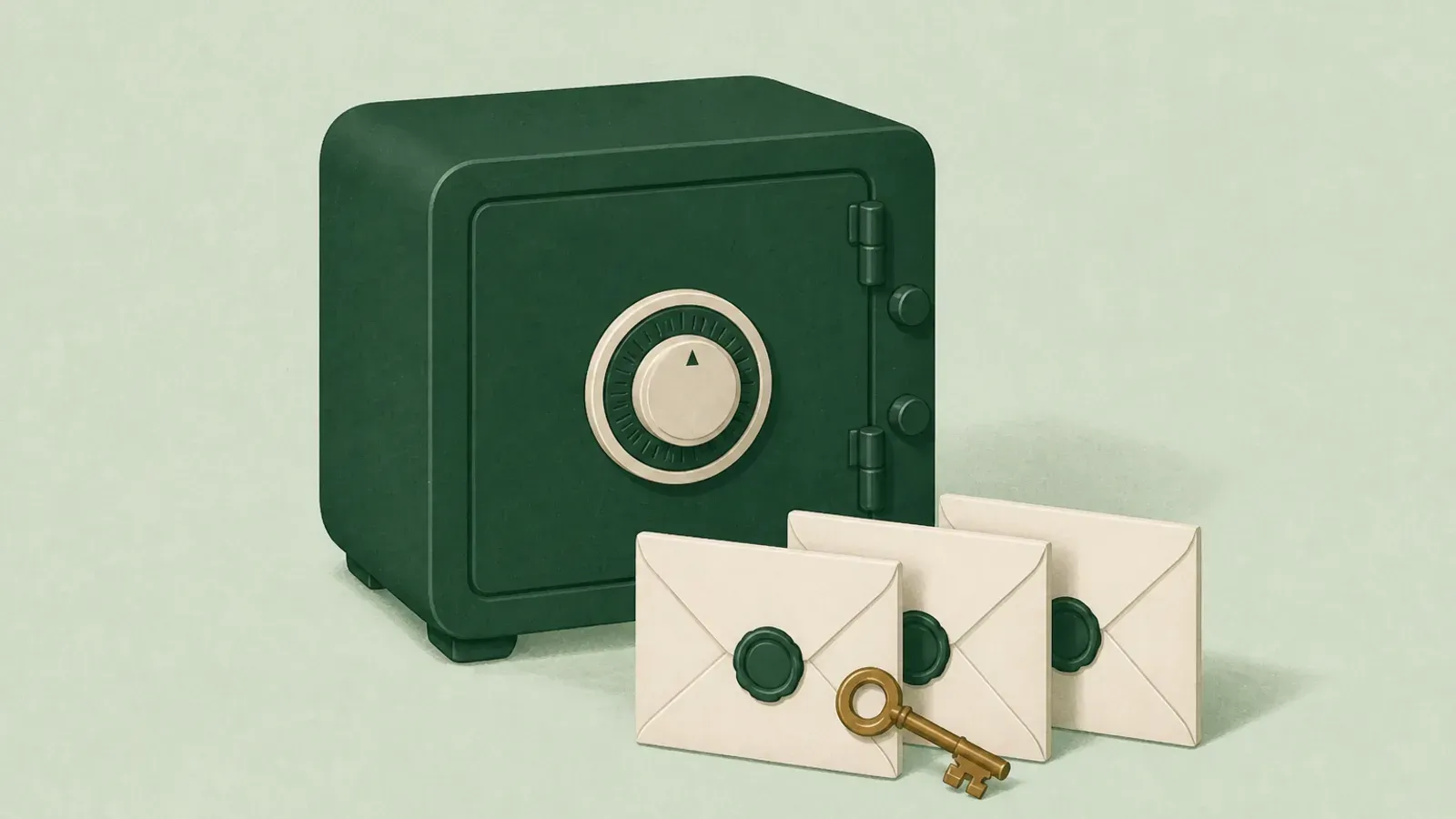
Most people set up a password manager to solve one problem: stop reusing the same password everywhere. It works. Then years pass, the vault fills with the keys to your entire life, and a second problem quietly appears. Nobody else can open it.
If you use 1Password, what your people can open depends on your plan and what you set up while you still can.
The short version
1Password encrypts your vault with a combination of your account password and a Secret Key. Neither one is stored on their servers in a form they can use. That is the whole point of the design, and it is a good design. It also means there is no support ticket that recovers your vault after you are gone.
What exists instead are two things worth knowing about.
Family and team recovery. On a 1Password Families plan, anyone designated as a family organizer can recover another family member's account. This is documented and it works well. If your spouse is on your family plan and is an organizer, they have a path.
The Emergency Kit. When you create an account, 1Password generates a PDF containing your Secret Key and sign-in details, with a blank line for your account password. You are meant to print it and store it somewhere physical and safe.
Where the gaps actually are
The gaps are not really technical. They are human.
You are on an individual plan. No organizer exists, so no recovery path exists. Your vault is mathematically sound and permanently closed.
Nobody knows the Emergency Kit exists. A PDF in a drawer only works if someone knows to look in that drawer, knows what they are holding, and knows what to do with it. Most Emergency Kits are downloaded once during setup and never thought about again.
You wrote the password on the kit and stored it together. Now your complete credentials sit in one physical location. That is a different risk, not a solved problem.
Your family member is an organizer but does not know it. Recovery works, but only if someone thinks to try.
The vault is not the whole picture. Your passwords are one part of what your family needs. They also need to know which accounts matter, which subscriptions to cancel, where the insurance policy lives, who your attorney is, and what you actually want done. A password vault is a list of credentials, not a set of instructions.
That last point is the one people miss most. Handing someone 400 logins with no context is not much better than handing them nothing. They do not know which five of those 400 actually matter this week.
What to do about it
You do not need to leave 1Password. It is a good product doing exactly what it promises. You need to close the gap around it.
- Check your plan. If you are on an individual plan and you have people who would need access, a Families plan with a designated organizer is the simplest fix available.
- Find your Emergency Kit. Print it if you never did. Store it somewhere a specific named person can reach, and tell that person it exists and what it is for.
- Do not store the account password with the kit. Keep them separate, or use a system where the password reaches the right person only when it should.
- Write the instructions, not just the credentials. Which accounts matter. What to cancel. Who to call. Where the documents are. This is the part your family will actually need in the first week.
- Say it out loud. Tell one person the plan exists. A perfect plan nobody knows about is not a plan.
And if Gmail is how you recover half your other accounts, turn on Google Inactive Account Manager as well. Getting into 1Password does not get anyone into Google.
Where leave, check-in, and claim fit
This is the specific problem HeirVault is built for, so treat the next two paragraphs as what they are.
HeirVault is not a password manager and it is not trying to replace one. It holds the layer above: the instructions, the documents, the account list, the will copy, and yes, the credentials that unlock everything else if you want them there. Your live vault is protected by end-to-end encryption and encrypts in your browser before upload. That means HeirVault stores ciphertext and cannot decrypt your live vault.
The difference is what happens when you stop responding. You check in on a schedule you choose. If you miss a check-in, a waiting period starts and you get notices. If the waiting period passes, the contacts you named can claim what you set aside for them, and only what you set aside for them. Nothing releases early, and checking in stops the whole process.
You can start free, or read how the release path works first.
The honest summary
1Password's encryption is not the problem. It is doing its job. The problem is that strong encryption plus no succession plan equals a locked door with no key on the outside, and most people only notice the gap when someone else needs access and there is no calm path ready.
Pick a plan with a recovery path, print the Emergency Kit, tell someone it exists, and write down the instructions that give those credentials meaning. Whether you use HeirVault for the last part or a sealed envelope in a safe, do the last part.
Sources
- 1Password Emergency Kit: support.1password.com/emergency-kit
- 1Password Families account recovery: support.1password.com/recovery
Last verified July 2026. Vendor features change. Confirm current behavior on 1Password's own documentation before you rely on it.
This is general information, not legal advice. Rules differ by country and state. Talk to a qualified professional about your own situation.