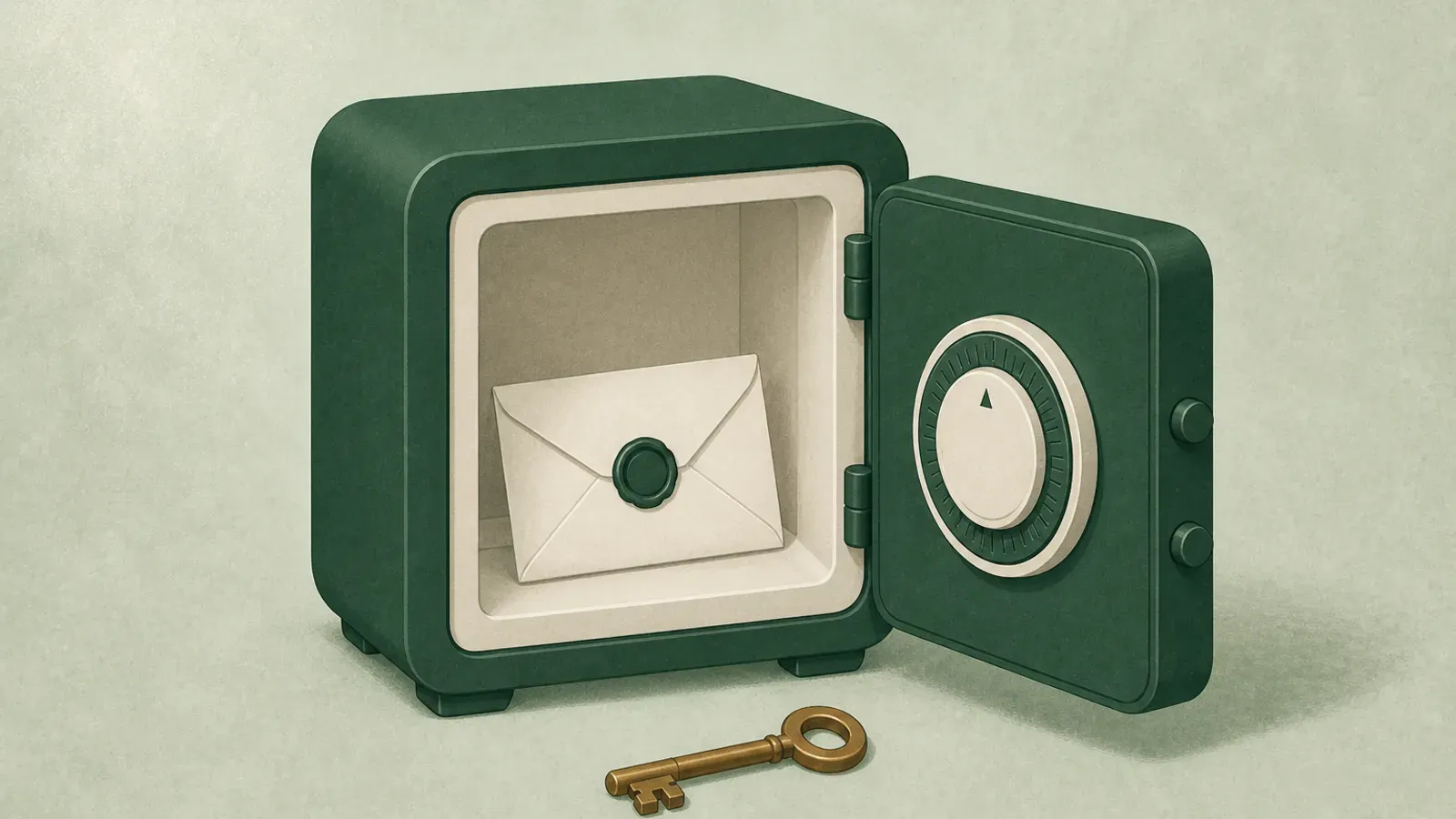
Google has shipped a dead man's switch since 2013. It is called Inactive Account Manager. It is free, it takes about ten minutes, and most people have never heard of it.
In Google Account settings it lives under "Make a plan for your digital legacy." Same feature, friendlier label.
If your Gmail is the recovery address for your entire digital life, and for most people it is, this is the highest-value ten minutes in this whole category. Do it before you read the rest of this post if you like.
What it does
You tell Google how long to wait before considering your account inactive. The options run from three months to eighteen months. Google measures inactivity across sign-ins, Gmail activity, Android check-ins, and similar signals.
Before the timeout expires, Google tries to reach you by email and by text at a recovery number. This is the part that makes it safe: it is very hard to trigger accidentally, because Google works reasonably hard to confirm you are actually gone.
If the timeout passes with no response, two things can happen depending on what you configured.
Notify your contacts. You can name up to ten people to be emailed. For each one, you choose which of your Google data they can download, covering things like Gmail, Drive, Photos, Contacts, and Calendar. They get a link and a limited window to download what you allowed.
Delete the account. Optionally, Google deletes everything after the contacts have had their window. If you want your data gone rather than inherited, this is the switch.
You can also write the message each contact receives, and set an autoresponder for incoming Gmail.
How to set it up
Go to your Google Account, then Data and privacy, and look for "Make a plan for your digital legacy." Set the timeout, add a recovery phone number and a secondary email so Google can actually reach you, name your contacts, choose the data each one receives, and decide on deletion.
The one setting people get wrong is the timeout. Three months sounds responsible and is usually too short. People take long trips, switch phones, get sick, or simply stop using one account for a while. Twelve months is the common sensible choice for a primary account.
The four gaps
Inactive Account Manager is good and you should use it. It is also narrow in ways that matter.
It only covers Google. Your bank, your password manager, your crypto, your domain registrar, your business accounts, your photos that are not in Google Photos: none of it. Google can hand over Google. Everything else is untouched.
The floor is three months. That is the fastest it will ever move, and only if you set it there. If something happens and your family needs into your email in week one, this does not help them. It is a long-horizon tool, not an emergency tool.
It is data access, not instructions. Your contacts get a download link for a pile of data. They do not get "the mortgage is with this bank," "cancel this subscription," "the insurance policy is in this folder," or "here is what I want." A Gmail archive is evidence, not guidance.
It hands over data, not accounts. Your contact can download what you allowed. That is different from being able to operate the account, and it is deliberately so.
What to pair it with
Inactive Account Manager is one layer. A complete setup usually has three.
- Platform-level tools where they exist. Google's Inactive Account Manager and Apple's Legacy Contact both exist and are free. Turn on the ones that apply to you.
- Password manager succession. Whatever you use, make sure it has a recovery path. Bitwarden emergency access is one of the clearer options. 1Password Families has organizer recovery.
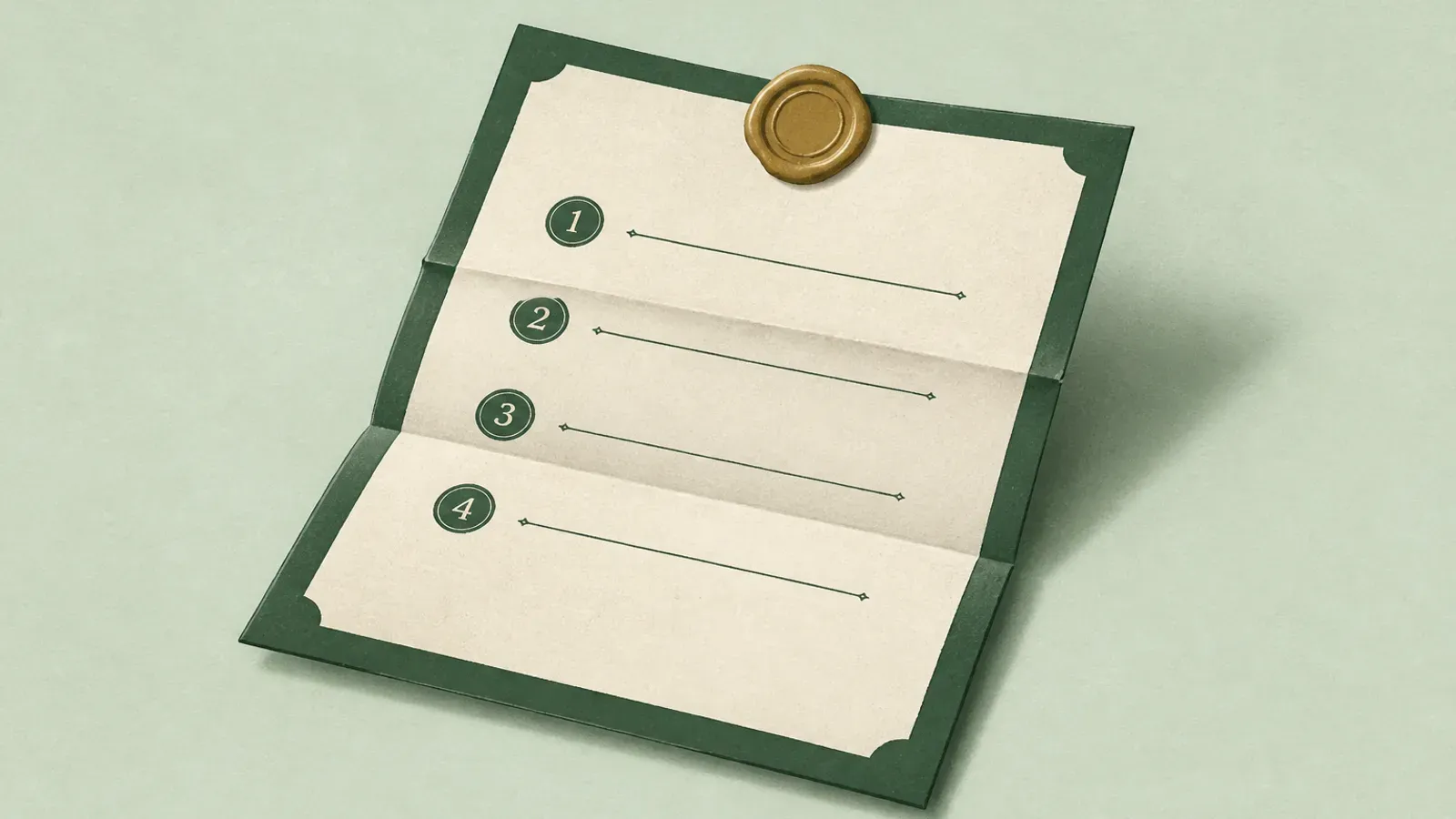
- The instructions layer. The document that says what exists, what matters, and what you want done. No platform tool covers this, because it is not any single platform's data.
That third layer is the one people skip, and it is the one that determines whether the first two are useful. Access without context means your people are reverse-engineering your life from a Gmail export while they are already carrying everything else.
Where HeirVault fits
Plainly, since you are on our site. HeirVault is the third layer.
You leave documents, logins, bank details, will copies, and files, and you name who gets what. Your live vault is protected by end-to-end encryption and encrypts in your browser before upload. That means HeirVault stores ciphertext and cannot decrypt your live vault.
Compared to Inactive Account Manager, three practical differences. The waiting period can be much shorter than three months, so your family is not blocked for a season. Different contacts receive different things rather than everyone getting one bundle. And it holds anything you put in it rather than one company's data.
It is not a replacement for Google's tool. Use both. Google can release your Gmail; only you can explain what to do with it.
Start free or see how it works.
Sources
- Google Inactive Account Manager: support.google.com/accounts/answer/3036546
Last verified July 2026. Vendor features change. Confirm current behavior in Google's own documentation before you rely on it.
This is general information, not legal advice. Rules differ by country and state. Talk to a qualified professional about your own situation.