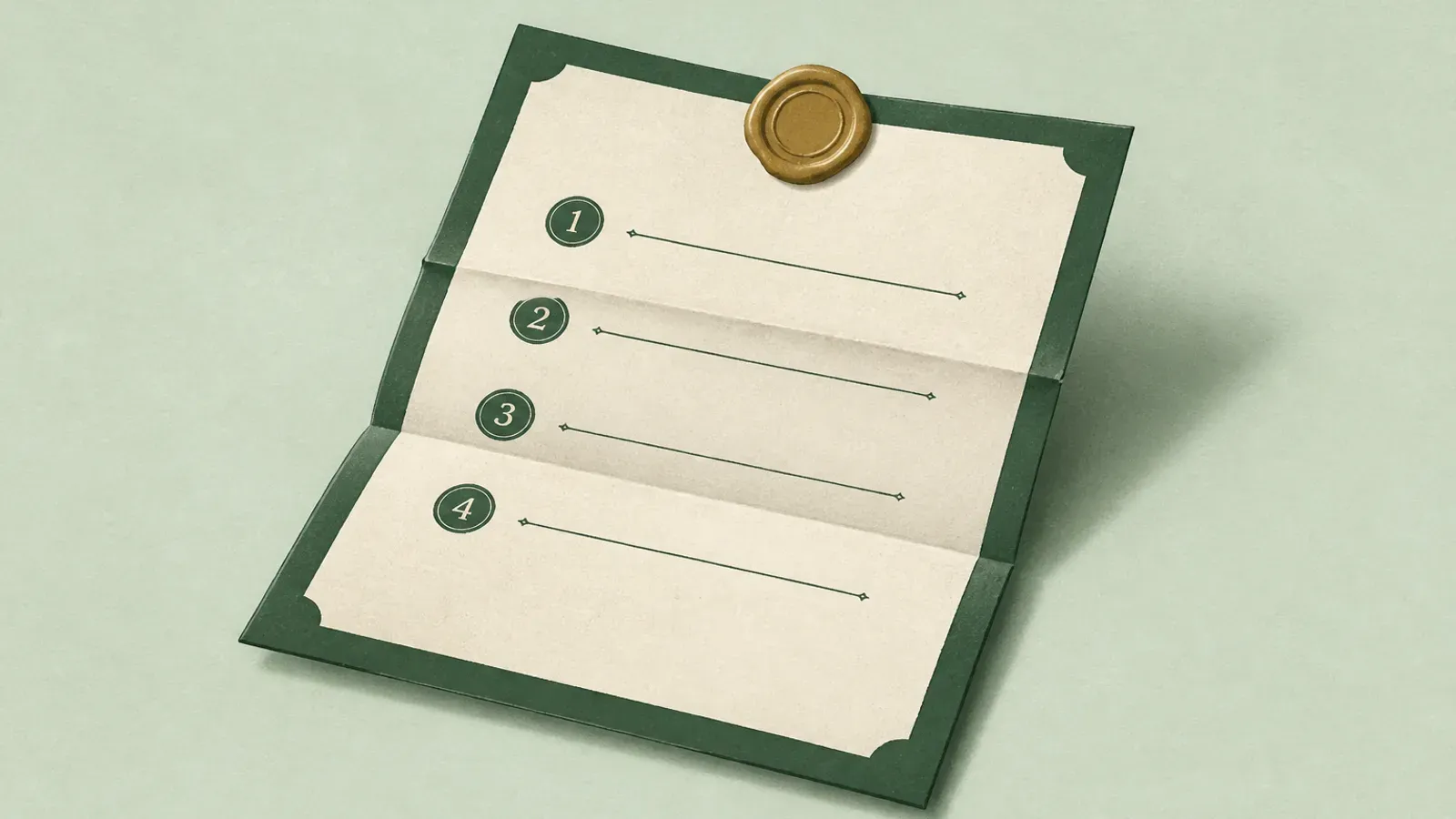
Most digital estate advice fails for the same reason most diets fail. It asks for a large, vague effort with no obvious finish line.
So here is a bounded version. Work through the sections below and stop when you reach the end. Ninety minutes, done in one sitting, gets you further than almost anyone you know.
The whole checklist is on this page. There is nothing to sign up for and no gate. Copy it into a document and start filling it in.
Before you start
Two rules that make the difference between a document that helps and one that causes harm.
Write locations and instructions, not raw passwords, unless the whole document is encrypted. A plain text file listing your bank password is a liability. If your document will live in a drawer or a Google Doc, write "password manager holds this, master password is with [person]" rather than the credential itself.
Write it for someone who knows nothing. Not your spouse who watched you set all this up. Assume the reader is competent, stressed, and unfamiliar with your systems.
1. The critical five
If you do nothing else, do this. In an emergency these unlock most of the rest.
- Primary email account and how to get into it
- Phone carrier account and PIN, because phone access resets almost everything else
- Password manager and how to get in, or which recovery feature is enabled and who holds it
- Primary bank account and which branch or banker knows you
- Where your identity documents are, physically
2. Money
- Checking and savings accounts, with institution names
- Credit cards
- Brokerage and retirement accounts
- Mortgage and loans
- Crypto holdings, if any, and how they are secured. Do not write the seed phrase here unless this document is encrypted
- Safe deposit box location and where the key is
- Anyone who owes you money, or that you owe
3. Insurance and benefits
- Life insurance policies, insurer and policy number
- Health, home, auto, disability
- Employer benefits and death-in-service payouts
- Pension details and prior employers' plans
This section is the one families most often miss entirely. Unclaimed life insurance is common, because nobody knew the policy existed.
4. Recurring costs
- Subscriptions worth cancelling, with rough monthly cost
- Utilities and how they are paid
- Anything on autopay that will keep charging for months
- Domain names and hosting, especially if a business or family email depends on them
Domain renewals belong here specifically. A lapsed domain can silently take down a family email address or a business.
5. Property and legal
- Where the will is, and whether it is the current version
- Attorney's name and contact
- Accountant or tax preparer
- Deeds, titles, leases
- Executor's name and whether they know they are the executor
That last item is worth a phone call. Make sure they know, and know where to look.
6. Digital accounts
- Cloud storage and photo libraries
- Social media accounts and what you want done with each
- Business or work accounts that someone must access or shut down
- Any account where you are the sole administrator of something other people depend on
- Two-factor authentication: which app or key, and what happens to it when your phone is gone
The 2FA question is worth thinking about carefully. If everything is protected by an authenticator app on a phone nobody can unlock, the rest of this list becomes much harder to act on. More detail: what happens to your 2FA codes.
7. Platform legacy tools
Free, built in, and mostly unused. Turn on the ones that apply.
- Google Inactive Account Manager
- Apple Legacy Contact
- Facebook legacy contact
- Your password manager's emergency access feature
8. People
- Who to notify, with contact details, including people your family may not know: colleagues, old friends, group members
- Anyone who depends on you financially or practically
- Pets and their care instructions, vet, medications
9. Wishes
The part that is not administrative and is often the part people are most grateful for.
- Funeral or memorial preferences, if you have them
- Organ donation
- What you want done with your social accounts: memorialized, deleted, left alone
- Anything you would want said, and to whom
10. Maintenance
- Date this document
- Set an annual calendar reminder to review it
- Note where the current version lives
- Tell at least one person it exists
The last item is not optional. A perfect document nobody knows about does nothing. You do not have to say what is in it. Someone has to know that it exists and how it will reach them.
Doing this without leaving a liability
The obvious tension in this checklist: the more useful it is, the more dangerous it is to leave lying around. A complete inventory of your financial life is exactly what a thief would want.
Three ways to resolve that.
Split it. Keep the inventory in one place and the credentials in a password manager with an emergency access feature. The inventory alone is much less dangerous.
Encrypt it. Any encrypted container works, if the people who need it can open it when the time comes. Which is the whole problem, and it is why most encrypted documents never get read.
Use leave, check-in, and claim. Store it encrypted, with a rule that it reaches named people only after you stop responding. That is the category this site is in, so here is the direct version.
HeirVault holds this checklist and its supporting documents as encrypted items, and you name who gets what. Your live vault is protected by end-to-end encryption and encrypts in your browser before upload. That means HeirVault stores ciphertext and cannot decrypt your live vault. You check in on your schedule. Miss a check-in and a waiting period starts, with notices to you. Check in and everything stops. If the waiting period passes, your named contacts can claim their part.
Start free, or read how it works. The free plan covers three beneficiaries, which is enough for most versions of this checklist.
If you only have ten minutes
Do section 1. Tell one person where it is. That alone puts you ahead of nearly everyone.
You can always come back for the rest. Most people do not, which is why the ten-minute version matters more than the perfect one.
This is general information, not legal advice. Rules differ by country and state. Talk to a qualified professional about your own situation.