The term comes from trains. A dead man's switch is a control that has to be actively held. If the operator lets go, whether by choice or because something happened to them, the system does something. On a train, it stops.
Applied to information, the logic inverts. Instead of stopping, something is released. You hold the switch by proving you are still around. If you stop, what you left goes to the people you chose.
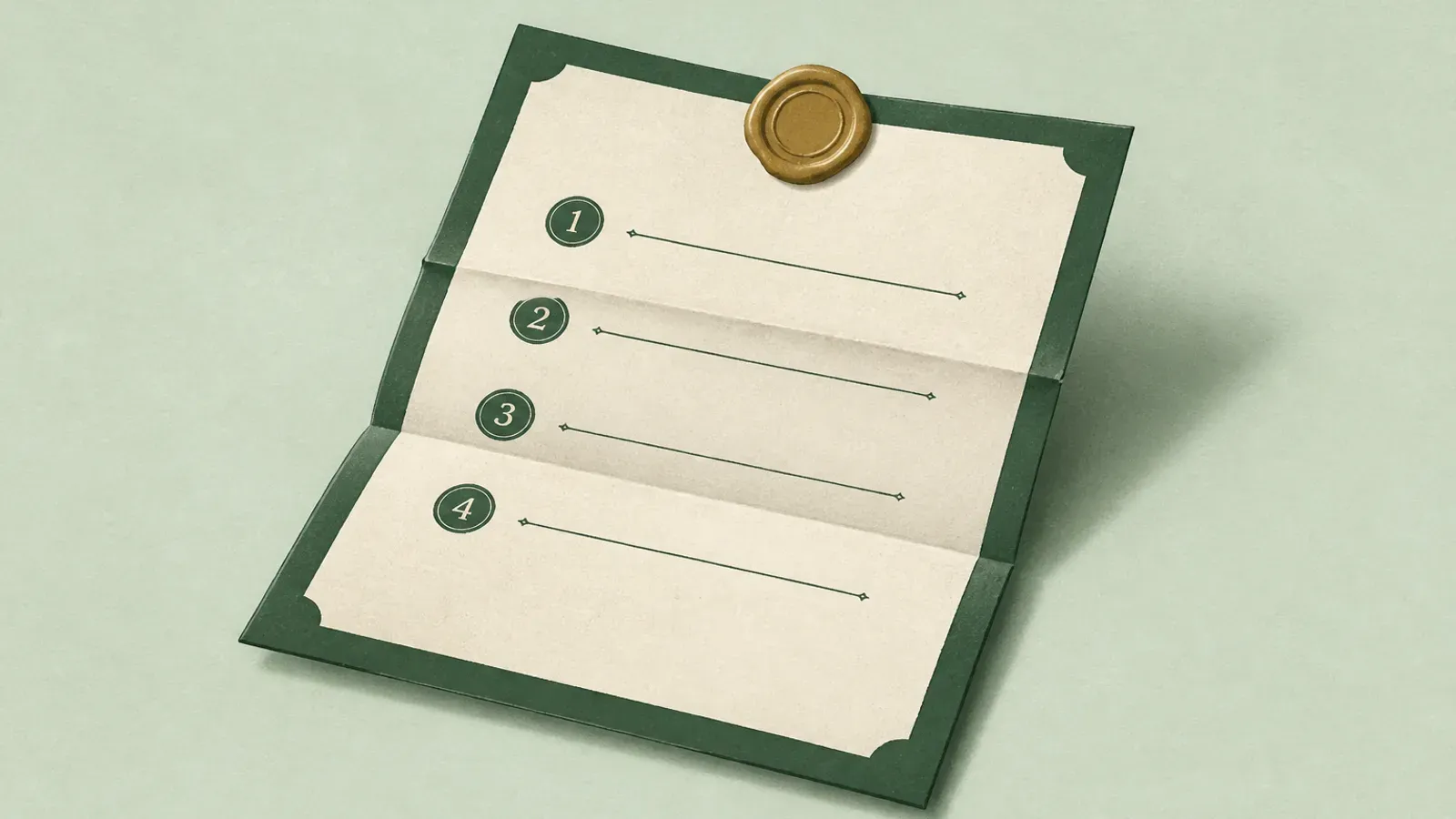
The concept takes one sentence. Every real implementation lives or dies on four design decisions.
The four decisions
1. What counts as a check-in
The system needs a signal that means "still here." Options range from clicking a link in an email, to signing in, to an API call from a device or script.
Email links are the most accessible and the least reliable. Emails land in spam, get skimmed, or arrive during a week you are not reading email. Sign-in based check-ins are better because they are tied to something you already do. Automated device check-ins are the most reliable and the easiest to fake in a way that defeats the purpose, since a script that keeps running after you cannot is precisely the failure you were trying to avoid.
Most solid designs use a scheduled prompt with multiple reminders, and treat any real account activity as a check-in.
2. How long the interval is
This is a direct tradeoff and there is no universally right answer.
A short interval, say weekly, means your people get access quickly when it matters. It also means fifty-two chances a year to accidentally trigger the process, and fifty-two reminder emails you will eventually start ignoring.
A long interval, say yearly, is almost impossible to trigger by accident and may leave your family locked out for months during exactly the period they need help.
Thirty days suits most people. Frequent enough to be responsive, rare enough that you notice the email.
3. What happens after a missed check-in
This is the most important decision, and it is where weak implementations reveal themselves.
Nothing should release the moment you miss one check-in. You were on a plane. Your phone broke. You were in hospital for a week and fine afterward.
A waiting period is the answer: a defined buffer after a missed check-in during which the system escalates and tries hard to reach you, and during which a single check-in cancels everything. Any design where a missed email leads directly to disclosure is dangerous and should be avoided.
Some designs add human confirmation on top. Witnesses, for example, are people you name who are asked to confirm whether release should proceed once the waiting period has elapsed. It is a second signal that is hard to fake, and it protects against the scenario where the automated signals are all wrong.
4. Who can actually decrypt
The question that separates real from theatrical.
If a service can read your content at any time, then a dead man's switch is a scheduling feature on top of a database they can already access. That may be acceptable to you. You should know it is the case.
The stronger design encrypts on your device before anything is uploaded, so the service stores ciphertext. The tradeoff is that key handling gets genuinely harder, because the whole point is that a key has to reach someone else at a future moment when you are not around to hand it over. Every honest implementation makes a tradeoff somewhere in that handoff, and you should read carefully about where.
Absence, not death
Worth stating plainly because the name suggests otherwise: a dead man's switch does not detect death.
It detects absence. You stop checking in, or stop doing whatever activity the system treats as proof you are still around, and the process starts. No death certificate, no coroner, no family member filing paperwork. The trigger is missed contact, not proof of loss.
That is a feature, not a bug. Proof of death can take time. People often need account context in the first week, while bills and recoveries are still moving. A system that waits only on legal proof can leave them without a map when clarity would help most.
It also means the design has to assume you might be alive and unreachable. Hospital stay without your phone. A month in a place with no signal. An email account that stopped forwarding. Every serious implementation builds a waiting period and escalating reminders precisely because absence is not the same as gone forever.
When you evaluate any service in this category, ask what signal it actually watches. If the answer is "we wait for someone to tell us you died," that is a different product with a different timeline.
Google already ships one of these for free. Inactive Account Manager watches whether you keep using the account, then can email people you named or delete the account after a long quiet period. Slow on purpose. Still worth turning on if Gmail is your hub.
The failure modes worth knowing
The false positive. The switch fires while you are alive and well. Prevented by waiting periods, escalating reminders across multiple channels, and an easy cancel.
The false negative. You are gone and it never fires, usually because something automated kept checking in on your behalf, or because the notification went somewhere nobody read.
The forgotten recipient. Everything works perfectly, and the person who receives the notice thinks it is spam. Preventable only by telling them in advance that this exists.
The stale plan. It fires correctly three years later and half the accounts are closed, the beneficiary has moved, and the instructions reference a bank you left. Anything like this needs an annual review.
The coerced unlock. Rarer, and it matters enormously to the people it matters to. If someone can force you to open the vault, the encryption is not doing its job. Some systems answer this with a second password that behaves differently under coercion.
How HeirVault implements it
Since this is our site, here is our answer to the four decisions.
Check-ins happen on a schedule you set, with 30 days as the common default. Miss one and a waiting period starts, with notices to you throughout. Free uses a 14-day waiting period; Pro and Shield let you choose a shorter window. Checking in at any point during the waiting period cancels everything.
On Pro and Shield you can name witnesses, who are asked to confirm release after the waiting period. A majority must approve. Witnesses do not reset your timer and do not receive your content.
Your live vault is protected by end-to-end encryption and encrypts in your browser before upload. That means HeirVault stores ciphertext and cannot decrypt your live vault. For the handoff itself you choose the delivery mode, and we are specific about the tradeoff: HeirVault-assisted delivery stores a protected handoff key and transfers it to the beneficiary account after claim, so that path is not end-to-end to the beneficiary alone. Inviting your beneficiary now, or sharing a unique beneficiary password with them out of band, keeps that handoff key off our servers. The security page covers each mode.
For coercion, the Shield plan includes a duress password: a second password for when you are forced to unlock.
Start free, or read how it works end to end.
If you build your own
People do, and it is a reasonable weekend project. If you go that route, get these right: make the cancel path trivially easy and available from anywhere, send reminders through at least two channels, never let a single missed signal trigger disclosure, tell your recipients in advance that the thing exists, and put a calendar reminder to review it once a year.
The mechanism is not the hard part. Not firing when it should not, and firing when it should, is the hard part.
This is general information, not legal advice. Rules differ by country and state. Talk to a qualified professional about your own situation.